Appearance
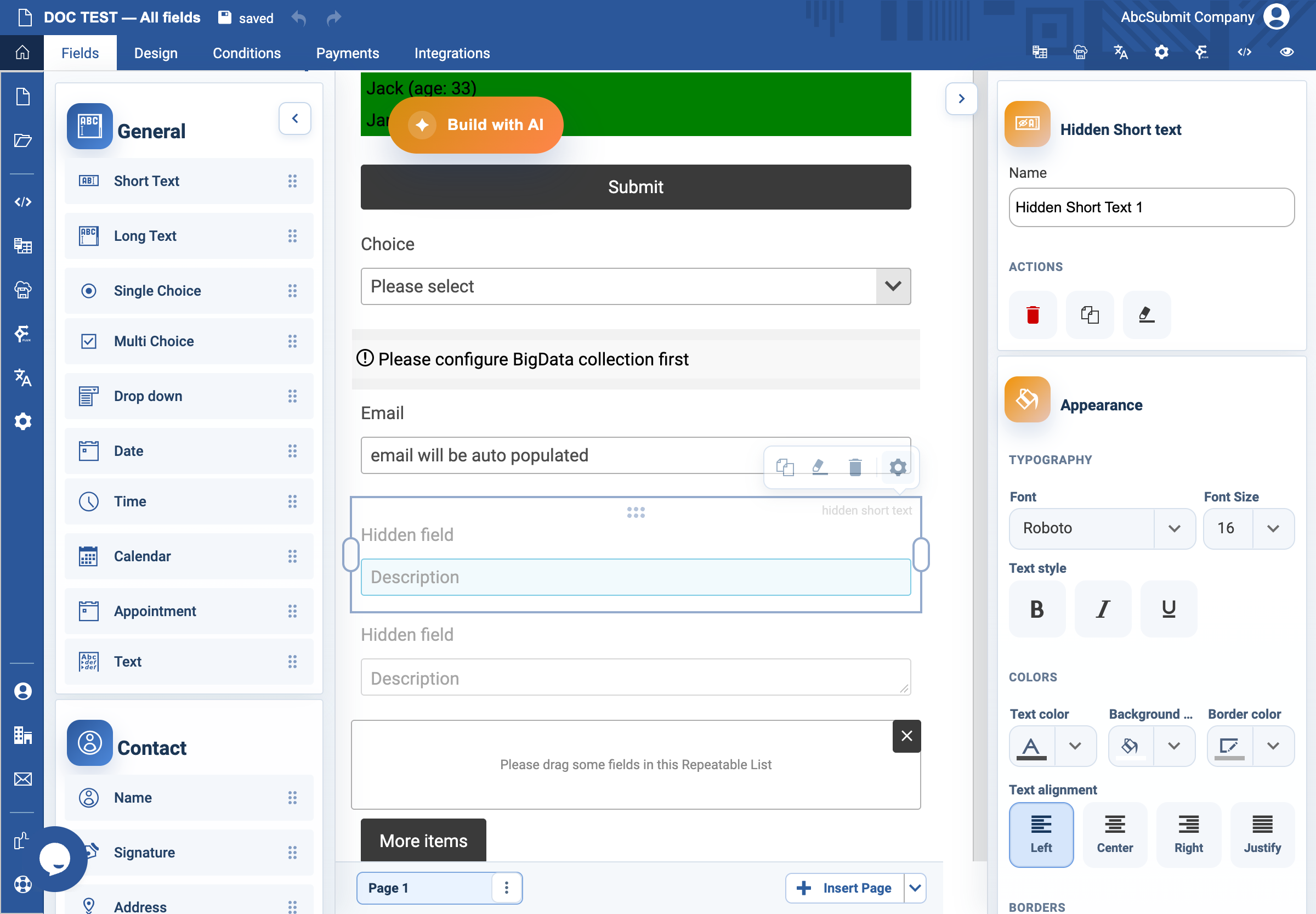
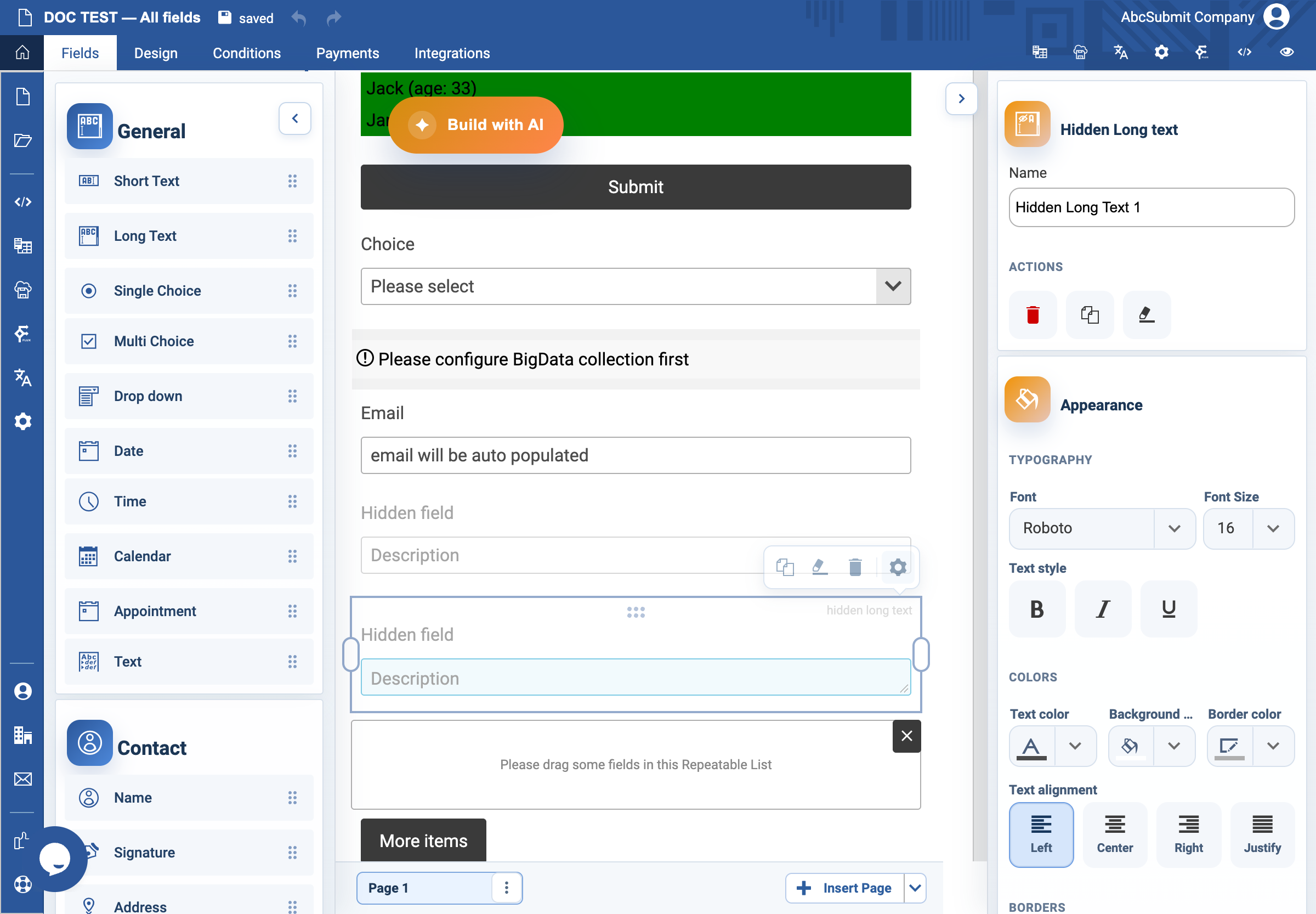
Hidden Short Text and Hidden Long Text fields
Use hidden text only for a non-secret value that must travel with the submission but is not shown to the respondent.
Example: internal source marker
- Select Fields > Other > Hidden Short Text.
- Set its internal Name to
submission_source. - Set or populate the value through the approved form logic or workflow design.
- Document every rule, workflow, export, or integration that reads this name.
- Preview and submit a test response. Verify the marker appears only where intended in the resulting data.
Use Hidden Long Text instead when the non-visible value can be longer.
Expected result
The value is submitted without appearing in the form. It is not secret: browser-side hidden data can be inspected, so never store passwords, access tokens, or security decisions here.