Appearance
Signature field
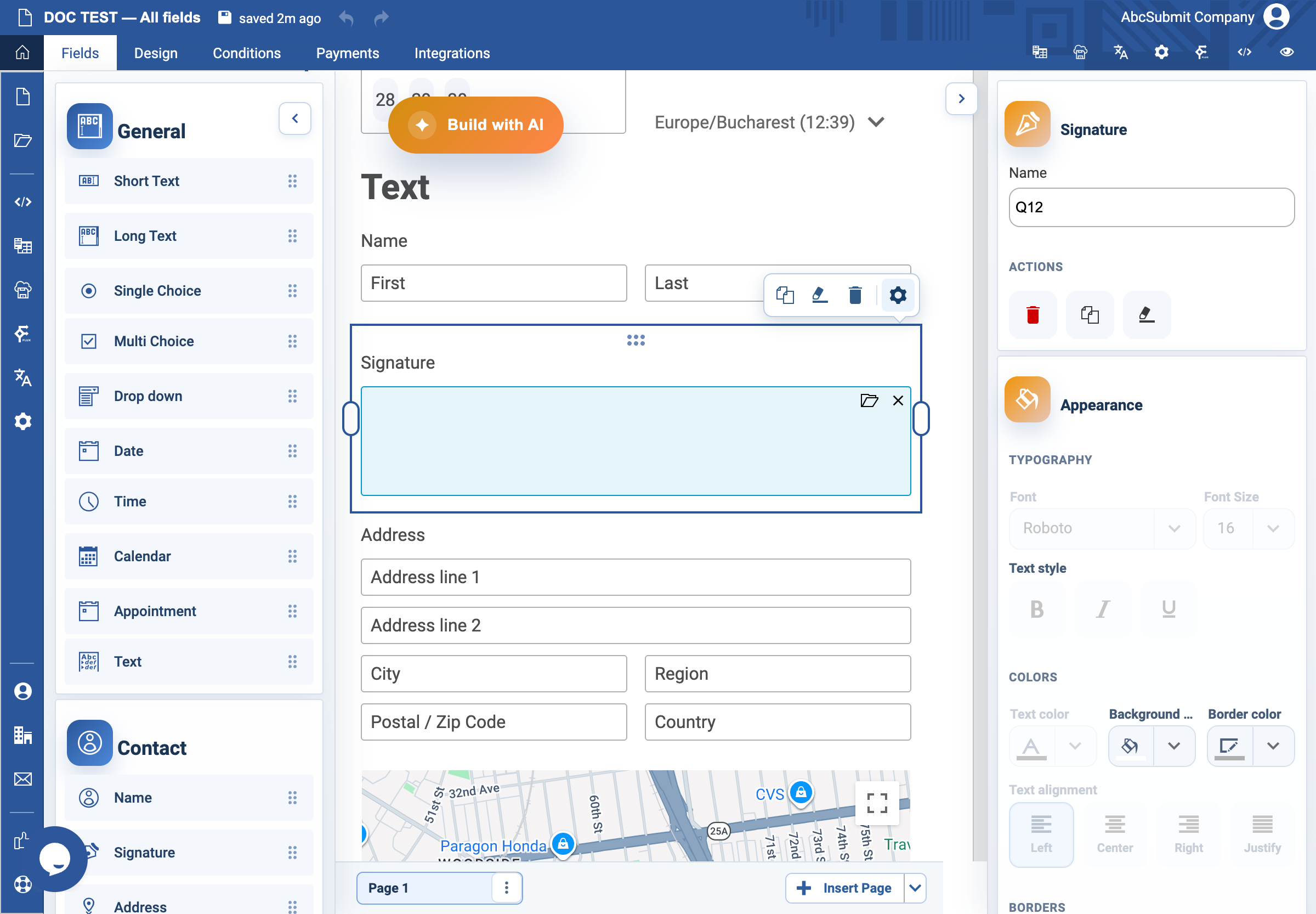
Use Signature when the respondent must draw a signature as part of the form.
Example: acknowledgement signature
- Open Fields > Contact and select Signature.
- Select the field and open Edit.
- Set the label to
Sign to confirm you have read the acknowledgementand Name toacknowledgement_signature. - In Signature settings, choose a visible Pen color and practical Pen width.
- Set Required complexity to Simple, Medium, or High according to the required signature quality.
- Turn on Required Field only when a signature is genuinely required.
- Preview on a mouse-based device and a touch device. Sign, clear, sign again, and submit.
Expected result
The respondent can draw a usable signature and the form blocks submission only when a required signature is missing. A drawn signature does not by itself determine legal enforceability; follow the organization’s legal and retention policy.